Android · iPhone · iPad · Mac
Word (.docx) reader and editor
Open Word documents as real pages and fix a typo or rewrite a paragraph, free, on your phone, tablet or Mac.

 Download on theMac App Store
Choose your browser
Install MarkDeck from Chrome Web Store or choose Firefox.


What MarkDeck does with Word documents
Real pages
Page size, headers and footers, tables, images and charts are kept, like a PDF.
Edit, free
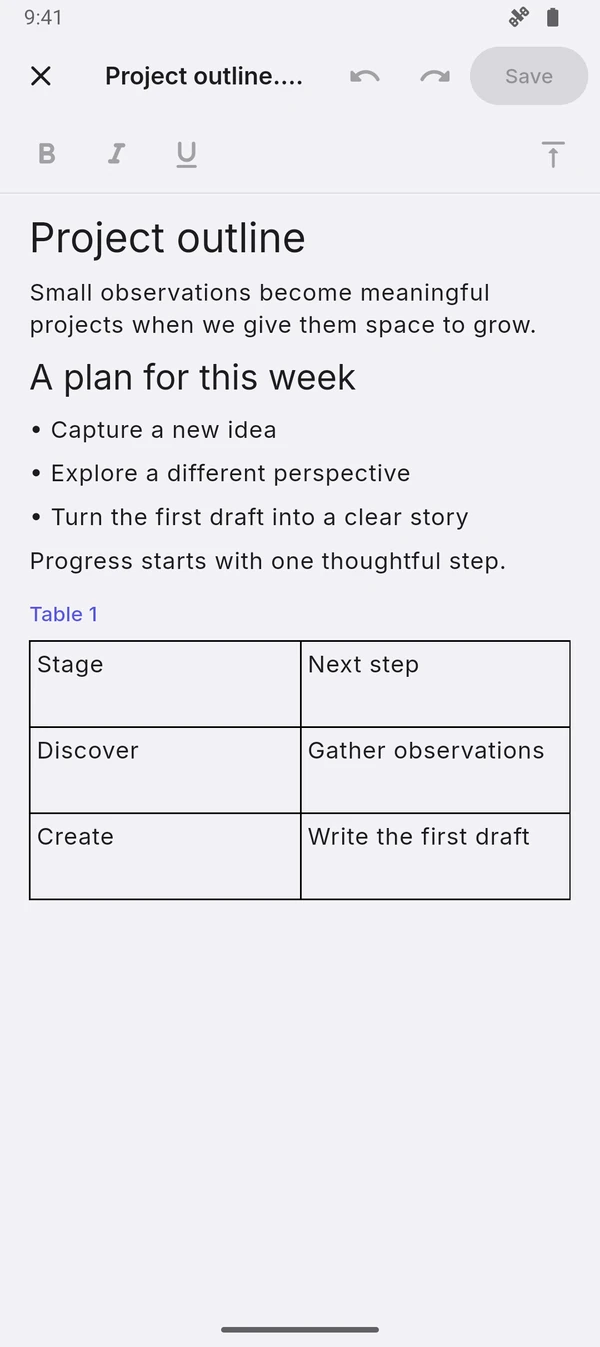
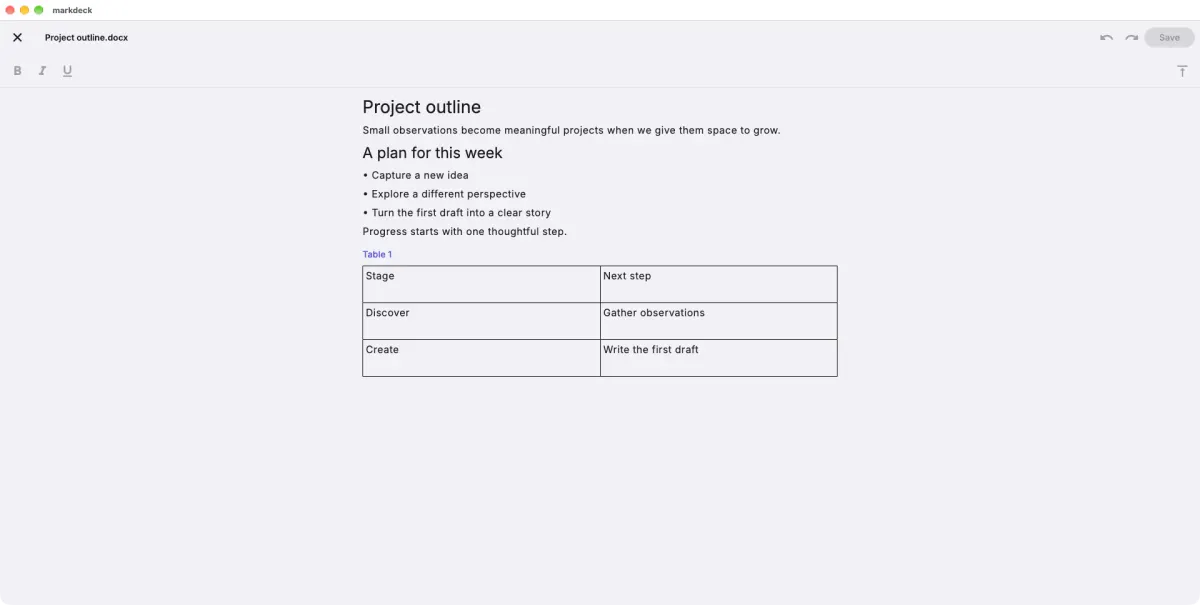
Fix a typo, rewrite a paragraph, add lines, use bold, italic and underline, and update lists and tables. The file keeps its layout.
Save or keep a copy
Save your changes, or keep a copy anywhere with the system's save screen.
Search and contents
Search the text, jump through a table of contents built from its headings and pick up where you left off.
Templates and macros
Templates (.dotx) and macro-enabled files (.docm, .dotm) open too; macros never run.
Export to PDF
Turn a Word document into a PDF, with Pro.
Real screens
Free and Pro
Free
- Word reader with real pages
- Edit text, lists and tables
- Save changes or a copy
- Search and table of contents
- Templates and macro-enabled files, macros never run
MarkDeck Pro
- No ads
- Unlimited bookmarks
- 8 more reading fonts
- 5 premium themes
- PDF Night & Warm modes
- Up to 8 documents in tabs
- Export to PDF
- Full reading stats: heatmap and weekly breakdown
- Color highlights with notes
- Cloud Sync through your own Google Drive
The annual plan offers a 7-day trial for eligible subscriptions.
Get MarkDeck
Free to read, with an optional Pro upgrade. No account required.
Download on theMac App Store
Choose your browser
Install MarkDeck from Chrome Web Store or choose Firefox.