Android · iPhone · iPad · Mac
Markdown reader and editor
Open any .md or .txt file and read it rendered, or write in a visual editor with the Markdown source one tap away.

 Download on theMac App Store
Choose your browser
Install MarkDeck from Chrome Web Store or choose Firefox.


What MarkDeck does with Markdown
Every detail rendered
Headings, tables that scroll, code with syntax highlighting, clickable links, inline images and Mermaid diagrams drawn on the page, offline.
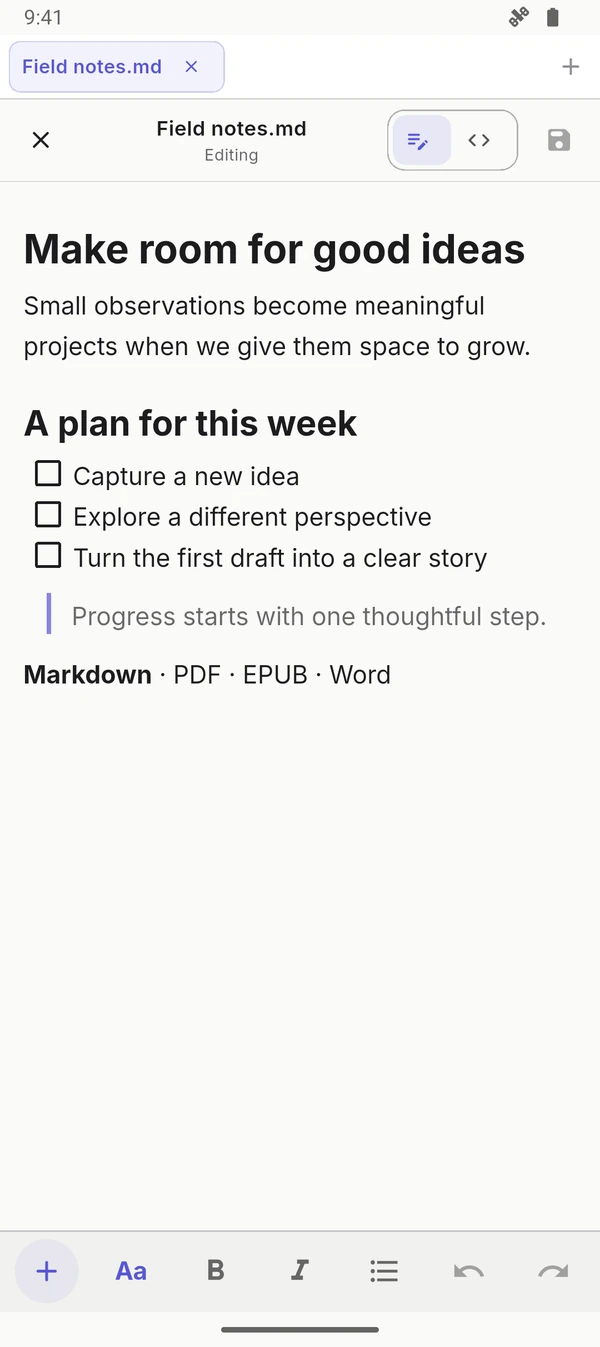
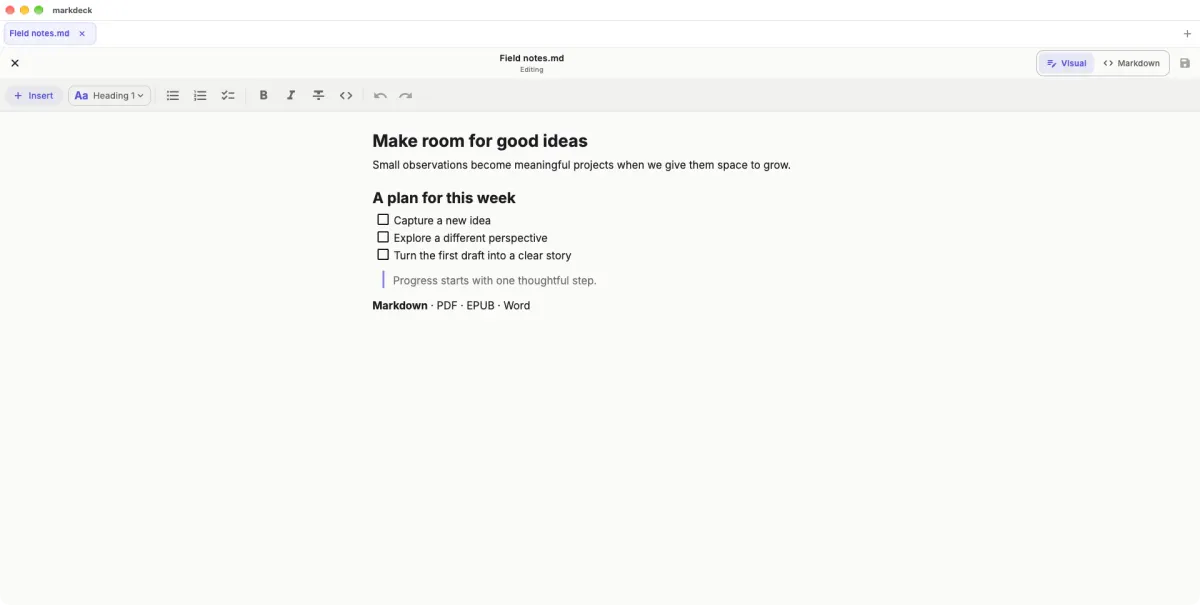
Visual Markdown editor
Edit headings, lists, tasks, quotes, code, links, images and tables in place. Switch to Markdown whenever you need the source, then save or keep a copy.
Paste and read
Paste Markdown from any app or AI tool and read it instantly, or paste a web link and read it as clean text.
Find your way
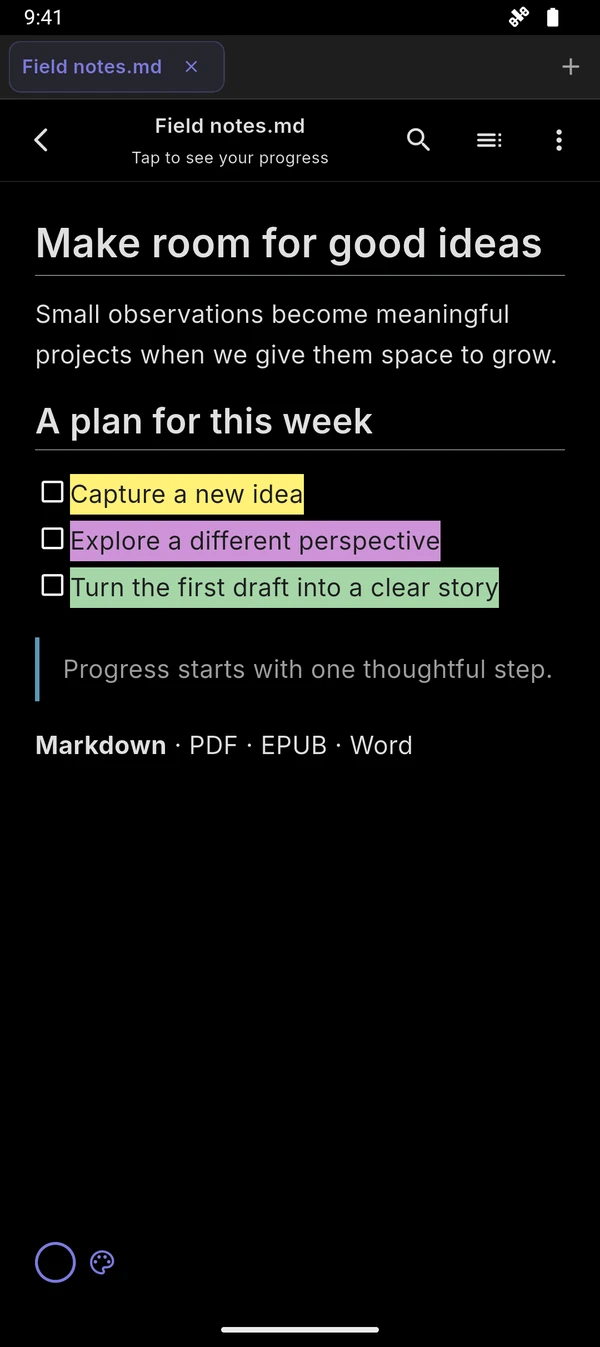
A table of contents from the headings, search with highlighted matches, bookmarks and highlights.
Read your way
15 free reading themes, a reading font and a text size that also scales tables, lists and the table of contents.
In your browser too
The free MarkDeck extension for Chrome, Edge and Firefox opens local .md files by their path and updates them live when you save.
Real screens
Free and Pro
Free
- Markdown reader and visual editor
- Paste Markdown or a web link
- 15 reading themes and 2 reading fonts
- Search, table of contents and up to 10 bookmarks
- Yellow highlights
- Browser extension for local .md files
MarkDeck Pro
- No ads
- Unlimited bookmarks
- 8 more reading fonts
- 5 premium themes
- PDF Night & Warm modes
- Up to 8 documents in tabs
- Export to PDF
- Full reading stats: heatmap and weekly breakdown
- Color highlights with notes
- Cloud Sync through your own Google Drive
The annual plan offers a 7-day trial for eligible subscriptions.
Get MarkDeck
Free to read, with an optional Pro upgrade. No account required.
Download on theMac App Store
Choose your browser
Install MarkDeck from Chrome Web Store or choose Firefox.