Android · iPhone · iPad · Mac
PDF reader with forms and text editing
Read manuals, papers and statements comfortably, fill in PDF forms and correct a word or a line, on every device.

 Download on theMac App Store
Choose your browser
Install MarkDeck from Chrome Web Store or choose Firefox.


What MarkDeck does with PDF
Comfortable reading
Opens fitted to the page width, with pinch and double-tap zoom remembered per document and one tap to recenter. Continuous or paged.
Links and contents
Links work when you tap them, the PDF outline becomes a table of contents, and search moves between matches.
Password-protected PDFs
Enter the password once; it is kept only for the session.
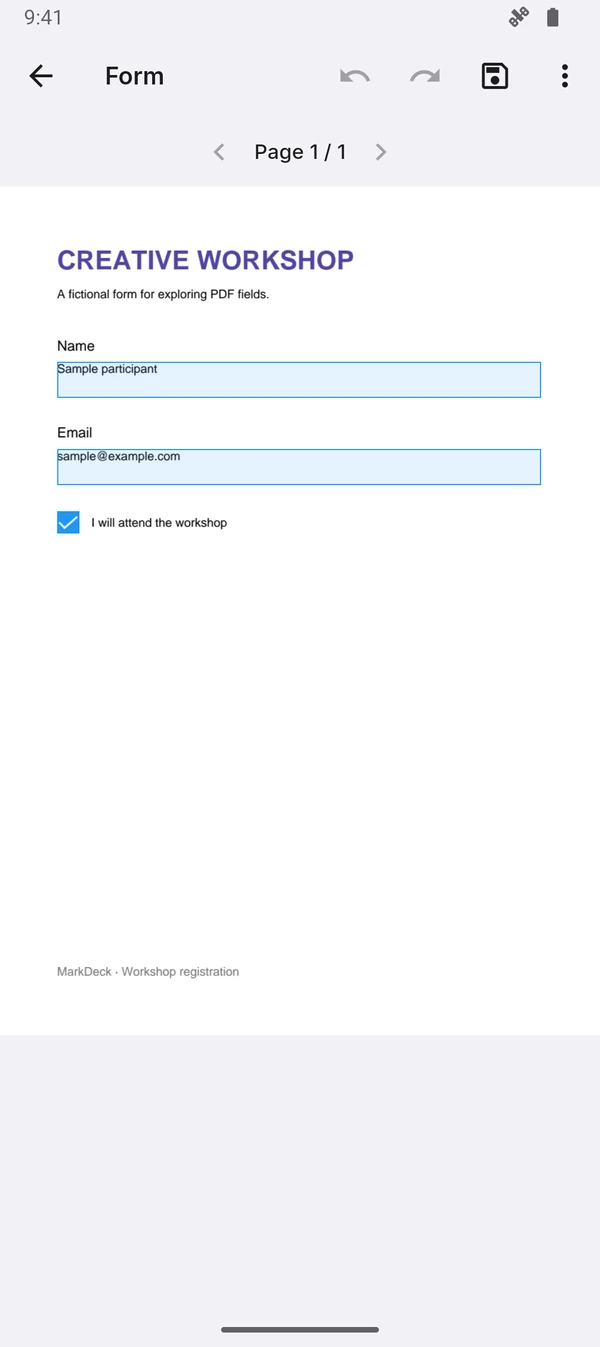
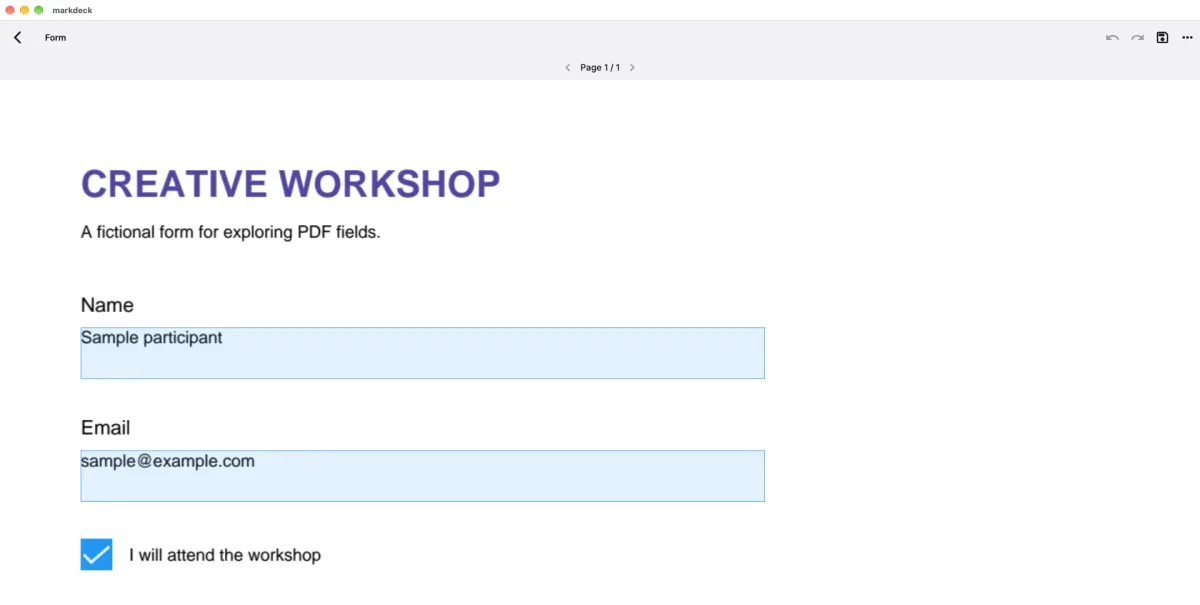
Fill PDF forms
Complete text fields, checkboxes, options and lists in interactive forms, then save your changes or a copy.
Edit PDF text, free
Correct a word or a line in place with Edit PDF. Scanned, shaded or protected PDFs say why they can't be edited.
Night and Warm modes
Recolor a whole PDF for night or warm sepia reading, with Pro.
Real screens
Free and Pro
Free
- PDF reader with remembered zoom
- Working links, outline and search
- Password-protected PDFs
- Fill PDF forms and save a copy
- Edit PDF text
- Up to 10 bookmarks
MarkDeck Pro
- No ads
- Unlimited bookmarks
- 8 more reading fonts
- 5 premium themes
- PDF Night & Warm modes
- Up to 8 documents in tabs
- Export to PDF
- Full reading stats: heatmap and weekly breakdown
- Color highlights with notes
- Cloud Sync through your own Google Drive
The annual plan offers a 7-day trial for eligible subscriptions.
Get MarkDeck
Free to read, with an optional Pro upgrade. No account required.
Download on theMac App Store
Choose your browser
Install MarkDeck from Chrome Web Store or choose Firefox.