Android · iPhone · iPad · Mac
EPUB reader for your e-books
Read DRM-free EPUB books with your own theme, font and text size, in the same library as your other documents.

 Download on theMac App Store
Choose your browser
Install MarkDeck from Chrome Web Store or choose Firefox.


What MarkDeck does with EPUB
Books your way
Your reading theme, font and text size, adjustable from inside the book. Scroll continuously or turn pages.
Chapters and contents
A table of contents with the real chapter titles, and a chapter list that scales with your text size.
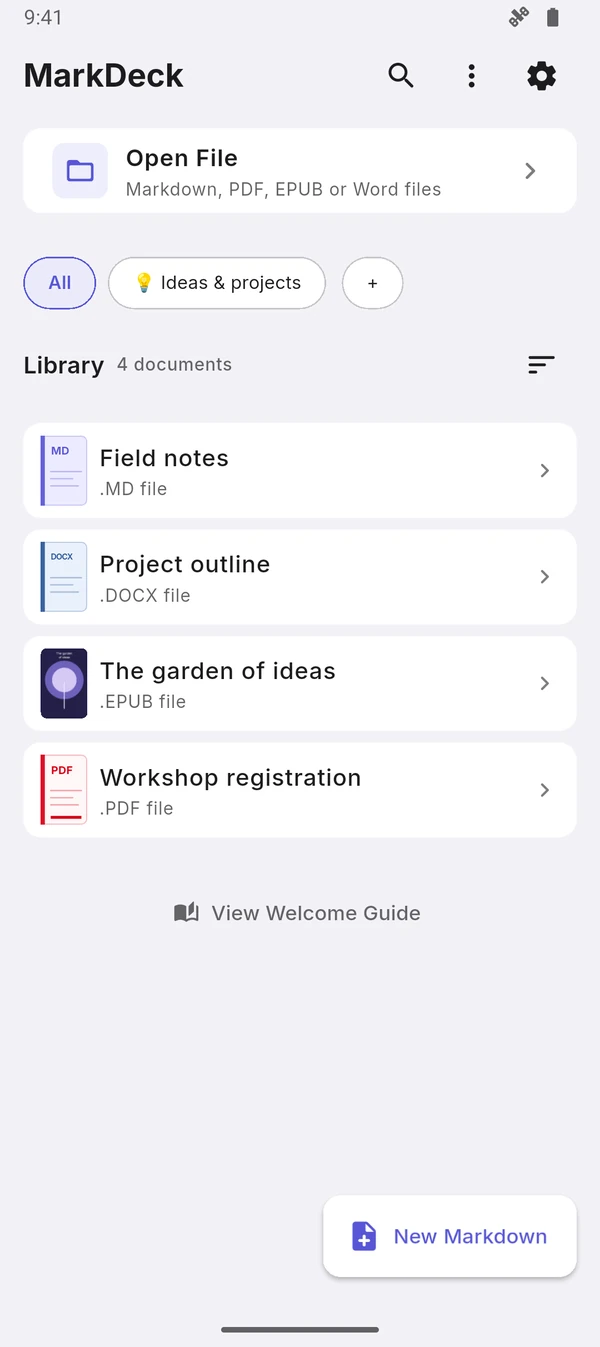
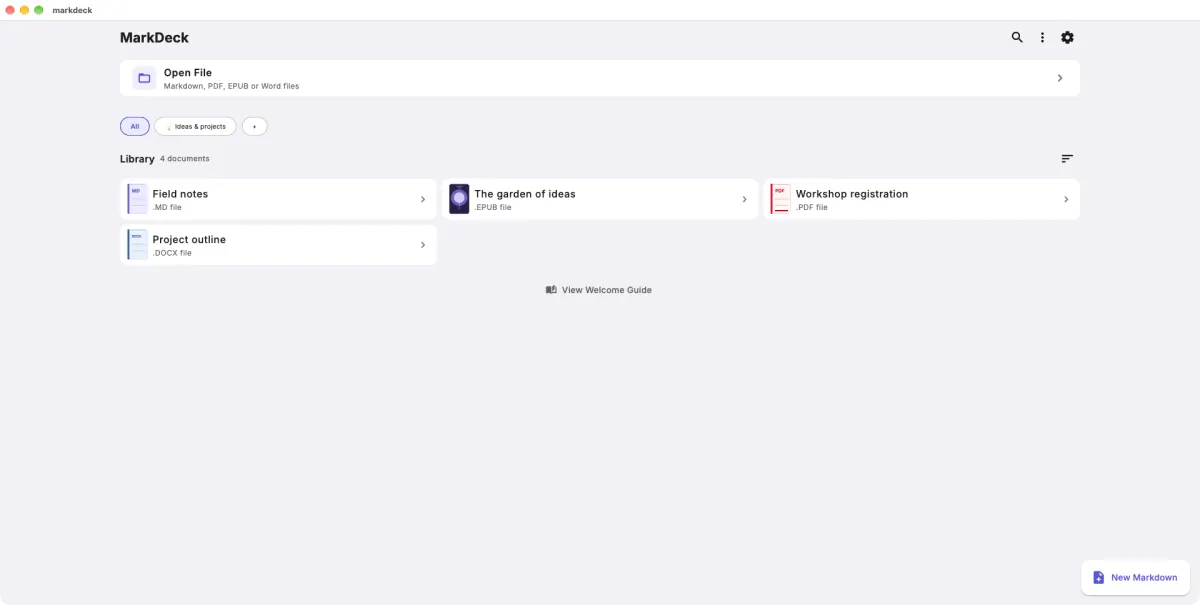
Covers in your library
Each book shows its cover in your library and collections.
Never lose your place
Every book reopens exactly where you stopped, even after changing font or theme. Bookmarks take you back to the exact spot.
Highlights and search
Highlight passages, even across pages, and search the book with highlighted results.
DRM-free books
MarkDeck opens EPUB files without DRM; a protected book is detected and explained, never a crash.
Real screens
Free and Pro
Free
- EPUB reader with themes and text size
- Continuous or paged reading
- Chapters, covers and search
- Exact reading position
- Up to 10 bookmarks
- Yellow highlights
MarkDeck Pro
- No ads
- Unlimited bookmarks
- 8 more reading fonts
- 5 premium themes
- PDF Night & Warm modes
- Up to 8 documents in tabs
- Export to PDF
- Full reading stats: heatmap and weekly breakdown
- Color highlights with notes
- Cloud Sync through your own Google Drive
The annual plan offers a 7-day trial for eligible subscriptions.
Get MarkDeck
Free to read, with an optional Pro upgrade. No account required.
Download on theMac App Store
Choose your browser
Install MarkDeck from Chrome Web Store or choose Firefox.